
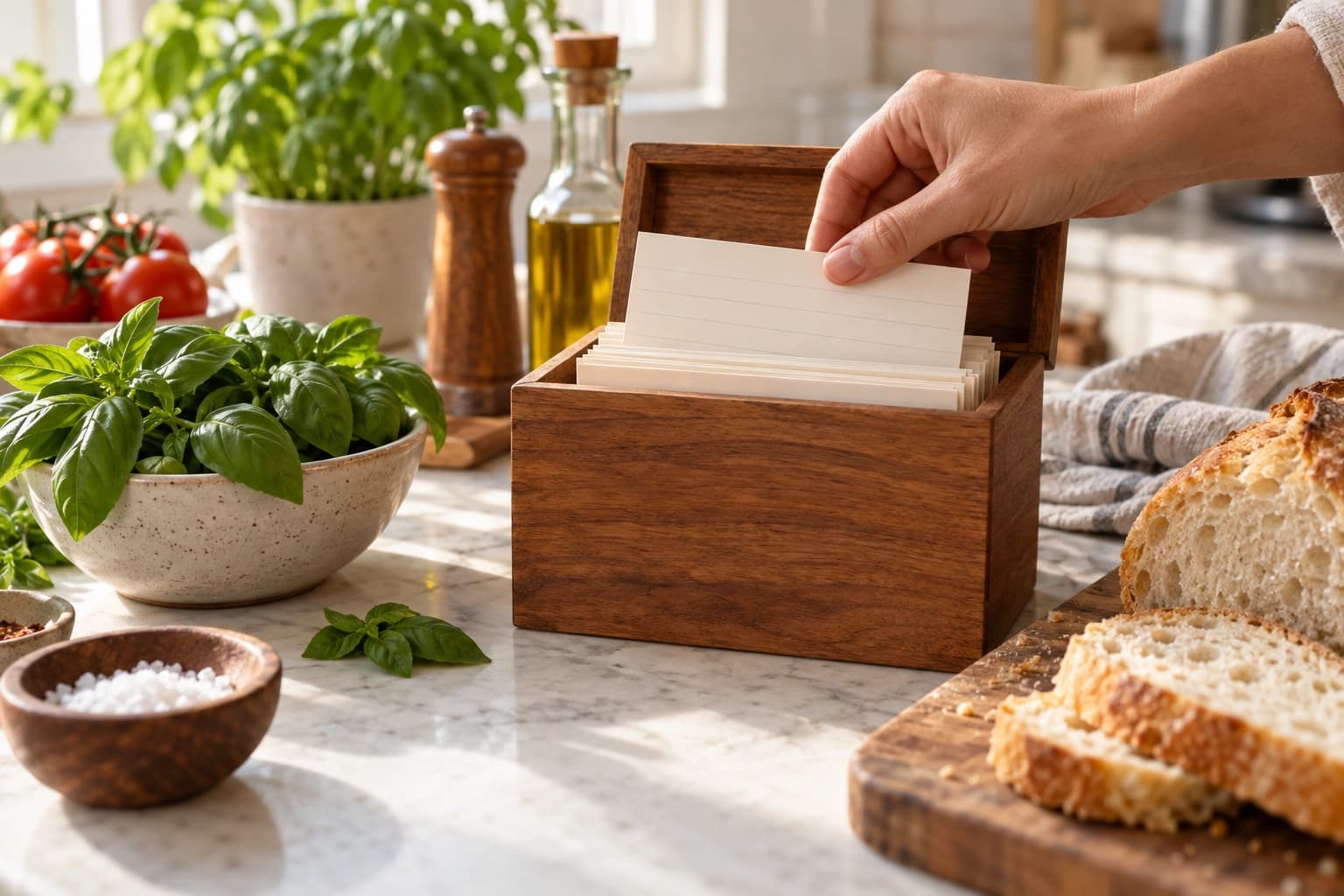
Switching meal planning apps is less painful than it feels. Setup takes about ten minutes. Your recipes are the separate part: Mealime has no export, so copying them out is manual work you do at your own pace.
Coming from Mealime the import-first way? When onboarding asks Coming from Mealime?, answer Yes, import recipes: finish the five setup steps first (your preferences are part of them), and NoshUp then routes you to Step 5: Import the recipes you saved instead of the dashboard.
Step 1: Save your Mealime recipes (before October 21)
This is the only step with a deadline. Mealime shuts down on October 21, 2026 and has no export feature. Mealime's closing notice says all personal data is deleted when the application shuts down.
- Open Mealime and copy out your top recipes: ingredients and instructions into a notes app or document.
- For anything beyond that, email [email protected] and request your data.
- Do not skip favourites you "know by heart" - write down the ones with exact measurements.
Full details and triage tips: Mealime is shutting down: how to keep your recipes.
Step 2: Create your NoshUp account and household
Start free on NoshUp - the free plan gives you time to settle in before paying anything.
During onboarding, NoshUp asks what brought you here. Choose Mealime is closing if that is why you came; it helps us count how many households are moving from Mealime.
If you share cooking or shopping duties, add household members in Settings: you need to be the household admin to add someone, sharing needs a Pro plan, and the person you add must already have their own NoshUp account (there is no email invite for someone who has not signed up yet). Meal planning works best when the person doing the grocery run sees the same plan as the person cooking.
Step 3: Set your preferences - including your cuisines
Set your dietary preferences, dislikes, and household size. This is also where you pick one cuisine focus for your household - authentic Indian, East Asian, Mediterranean, Mexican, Italian, French, North American - or Everyday Variety for a week that draws across all of them. Every generated plan respects the focus you choose. There is no multi-cuisine selection; if your household cooks across cultures, Everyday Variety is the honest fit. Choose with care: on a free plan, the focus you pick during setup is the one your household keeps, and switching cuisines later needs a Pro plan (a household still on the Everyday Variety default can make its first pick whenever it likes).
Five minutes here saves you from rejecting suggestions all week.
Step 4: Generate your first week
- Open Meals and choose your week.
- Choose Generate, then Whole week.
- Open Tools, then Meal types, and choose what you want planned. Most households start with dinners only - you can add lunches later.
- Review the plan. Do not like a suggestion? Regenerate just the days you want to redo, or add a meal yourself. You are never locked into a full-week redo.
More detail here: Planning your week of meals with NoshUp.
Prefer to plan by chatting? NoshUp is AI-first: connect it to ChatGPT or Gemini and do the whole thing inside the assistant you already use - "plan a week of Indian dinners" works as a prompt. See Use NoshUp from ChatGPT or Gemini.
Step 5: Import the recipes you saved
This is the part we built for you. NoshUp has a dedicated import flow for people coming from Mealime:
- Open the recipe import page. (Answer Yes, import recipes when onboarding asks Coming from Mealime?, and NoshUp routes you here once the five setup steps are done.)
- Paste a recipe you copied out of Mealime into Recipe text - ingredients, instructions, rough formatting is fine.
- NoshUp parses it into a structured draft, then shows you Review recipe: check the name, ingredients with quantities and units, steps, prep time, and servings, and edit anything that looks off.
- Save recipe puts it in your collection, where it can show up in generated plans.
If you came in through onboarding, the import flow ends at Continue to my week, which waits for your household to finish setting up, then starts your first week. Recipes without a clear ingredient list are saved now and marked as pending, and you can leave the rest for another sitting with Skip for now.
Repeat for the recipes you cook most often.
Moving from Mealime? Email your 5 favourite dishes to [email protected], and we will add NoshUp equivalents to your library and reply when they are in. We are doing this for the first 10 households that ask.
One honest note: today the import works from pasted text, not from a bulk list of links. If you have dozens of recipes to move, start with the ones you cook most and add the rest over time.
Step 6: Shop with the list - and the flyers
Your grocery list updates from your plan, two ways: Generate list rebuilds it straight from your current plan, and Add meals pulls a day's ingredients in behind a review step, so the flagged updates land only when you accept them. NoshUp also matches your list against this week's Canadian flyers from stores like Walmart, Costco, and FreshCo, so you can see which items on your list are on sale, with estimated savings, before you leave the house. The receipt you scan afterward records what you actually spent.
If you change meals mid-week, the list does not rewrite itself: NoshUp flags the updates for you to review. More: Your grocery list, always up to date.
Step 7: Scan your first receipt
After the shop, scan the receipt. NoshUp reads it with OCR, tracks your actual spend against your budget, and keeps the original receipt image for 90 days in the Receipt Vault - so if a shelf price looks wrong, you can pull up the photo and check. Over the next few weeks you will see what your groceries really cost, not what the plan guessed they would cost. Details: Scan a receipt, skip the manual entry.
What to expect in week one
- Day 1: setup, cuisine focus, first generated plan.
- Day 2-3: you will swap a meal or two. That is normal; the plan is a starting point, not a contract.
- End of week one: a grocery list that matches your plan, your first flyer matches, and your first receipt data. Recipes keep importing at your own pace.
Wherever you cook from: plans and lists work anywhere; flyer deals and prices are Canadian. Onboarding currently offers Canada.
Welcome aboard. And if something in the migration trips you up, write to us - the people moving from Mealime this month are shaping what we build next.
Related: why Mealime is shutting down and the best Mealime alternatives.