
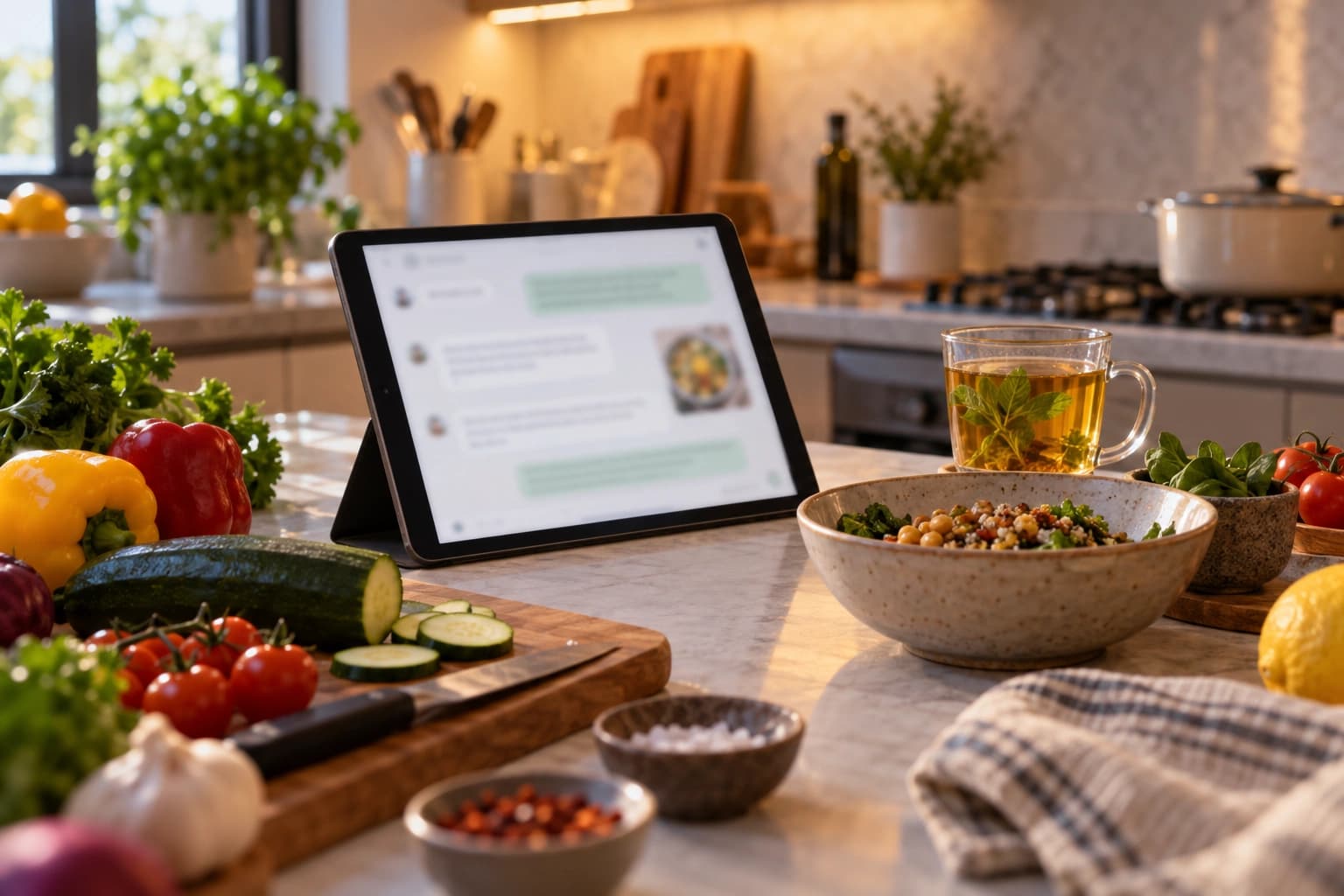
Ask ChatGPT or Gemini for dinner ideas and get answers from NoshUp's real recipes and this week's Canadian flyer deals.
Connect your NoshUp account once. From then on, your assistant does the research for you: it searches meals, opens recipes, and checks flyer deals, all for free. With NoshUp Pro, it can open Pro-marked recipes, build your weekly meal plan, show the grocery list that comes with it, and summarize what you've spent, all through a normal conversation.
Why this matters
Most meal-planning apps make you do the work: browse recipes, drag meals onto a calendar, build the grocery list by hand, and cross-check flyers yourself. NoshUp flips that. Ask for dinner ideas and your assistant searches real recipes for you. Ask what's on sale and it checks this week's flyers. With Pro, ask for next week's plan and NoshUp builds it from your household's saved preferences, grocery list included. All inside the chat you already have open.
You still use the NoshUp app to set up your household, scan receipts, and review your plan.
How to connect
ChatGPT:
- Open ChatGPT's connector settings and add
https://api.noshup.ca/mcpas the server URL. - ChatGPT sends you to NoshUp. Sign in, then select Allow.
- Back in ChatGPT, just ask.
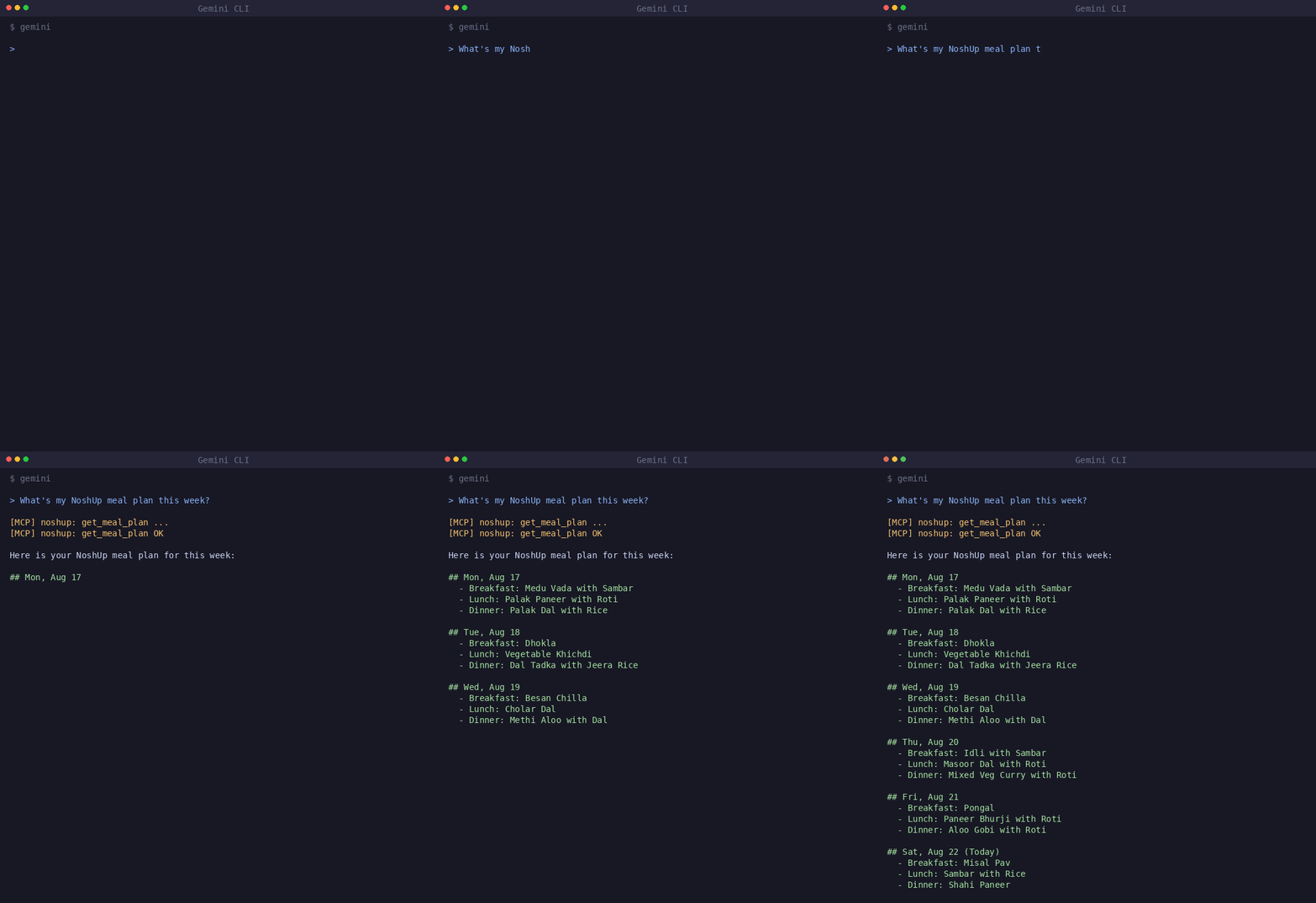
Gemini CLI: run
gemini mcp add --transport http noshup https://api.noshup.ca/mcp, then
type /mcp auth noshup inside the CLI and approve access in your browser.
Antigravity does not use the CLI: add the same server URL in Antigravity's
MCP settings, then approve the NoshUp sign-in.
Connecting to NoshUp is free: a NoshUp account is all you need from us, no key, no paid plan. Your assistant's own plan must support custom connectors. For Gemini Enterprise, Cursor, and other clients, follow the setup guide.
What you can ask for
- "Find vegetarian dinners with chickpeas." Then: "Show me the full recipe."
- "What's on sale at FreshCo this week? We're near M4C."
- With Pro: "Plan our dinners for next week." Then: "Show me that week's grocery list."
- With Pro: "How much have we spent on groceries over the last month?"
A new plan replaces any plan you already had for that week, and you can review or change it in the app. Pro-marked recipes come back locked on the free plan; upgrading opens them. Your assistant can read your grocery list and spending summary, but it can't edit list items or change your budget. If you ask for something your plan doesn't include, it tells you plainly instead of failing halfway.
Start with a recipe or a flyer question. It's free.