
Help for Canadian families
Frequently asked questions
Learn how NoshUp turns your family's preferences into a weekly meal plan, grocery list, and smarter shop around Canadian flyer deals.
- 27 answers
- 6 topics
Getting Started
What is NoshUp?
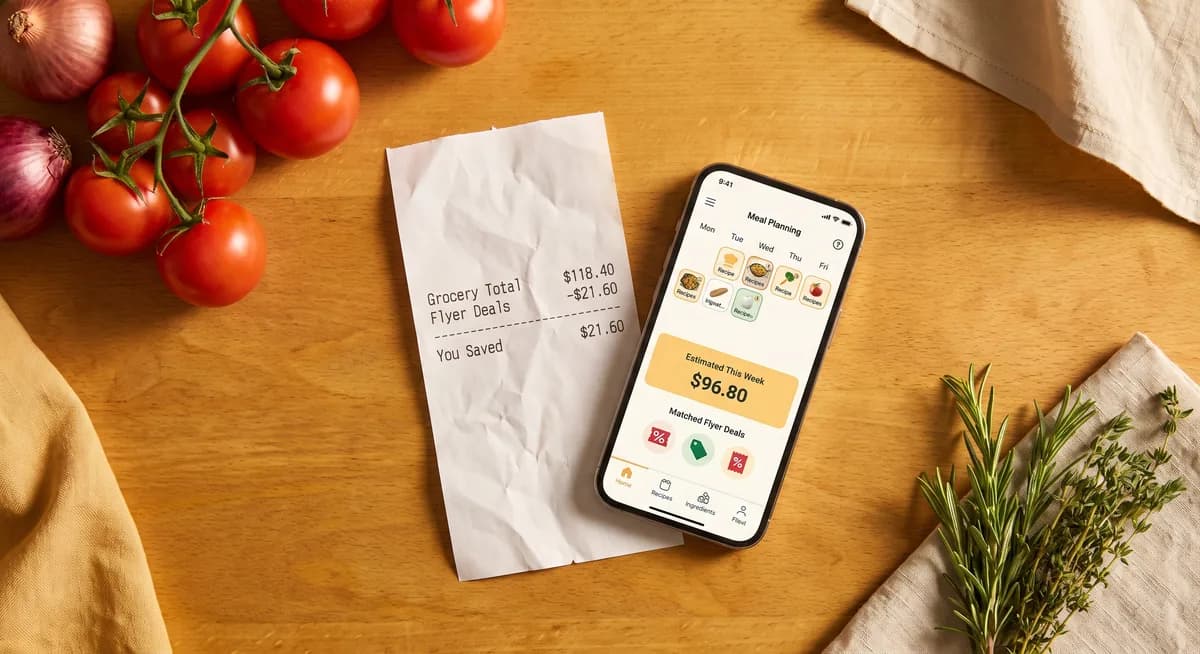
NoshUp is a Canadian meal planning app for families who want a simpler way to plan weekly meals, build a grocery list, find local flyer deals, and track grocery spending in CAD.
Create your free NoshUp accountHow does NoshUp work?
Tell NoshUp about your household, dietary needs, favourite cuisines, and Canadian grocery stores. It creates a weekly meal plan, combines the ingredients into one smart grocery list, and helps you shop around current deals.
See how the meal planning features workHow do I install NoshUp on my phone or computer?
Add NoshUp as a web app or Home screen shortcut from your browser. You do not need a native app download or an APK. The steps depend on your device and browser.
Follow the step-by-step installation guideIs NoshUp free?
Yes. The free plan includes seven-day meal plans, a basic grocery list, one household, limited receipt scanning, and weekly flyer deals matched across nearby stores. Prices for paid plans are always shown in CAD.
Compare the Free and Pro plansWhat makes NoshUp different from other meal planning apps?
NoshUp is the foodpilot for households: it maps the week's meals, deals, and budget - the cooking stays deliciously yours. It's an AI-first workflow that brings meal planning, grocery lists, Canadian flyer deals, and budget tracking into a compatible assistant instead of making you juggle separate tools. It works with ChatGPT and Gemini.
See the AI-first workflowMeal Planning
Can NoshUp plan meals for vegetarian, vegan, or halal diets?
Yes. NoshUp can adapt meal suggestions for vegetarian, vegan, halal, and other dietary preferences. Add each person’s needs to your household so the weekly meal planner can account for them.
Set up your household preferencesDoes NoshUp work with Indian, Mediterranean, or other cultural cuisines?
Yes. NoshUp is a multicultural meal planner built for the variety found in Canadian kitchens, including Indian, Mediterranean, Mexican, East Asian, Italian, and mixed-cuisine weeks.
Discover multicultural meal planningCan I switch my household's cultural cuisine after onboarding?
Switching your household's cultural module (for example, from Italian to Indian) is a Pro feature, available from Settings. The new cuisine takes effect the next time a weekly meal plan is generated, and any pinned meals you've saved are always kept. Want it right away? Regenerate the current week's plan after changing the cultural module to get suggestions from the new cuisine immediately.
Upgrade to Pro to change cuisinesHow does the AI meal planner create my weekly plan?
The AI meal planner uses your household size, cuisine choices, dietary preferences, schedule, and meal history to suggest a practical week of breakfasts, lunches, and dinners. You can manually repeat a dish across meals to plan for leftovers yourself.
Generate your first weekly planCan I customize my meal plan after it’s generated?
Yes. An AI meal plan is a starting point, not a fixed menu. You can adjust meals to fit changing schedules, preferences, and what your family already has at home.
Read the guide to planning and adjusting your weekCan I add a meal that isn’t one of NoshUp’s suggestions?
Yes, and we encourage it - type any dish name into a meal slot to swap in whatever your family is actually eating. If that dish isn’t one of NoshUp’s own recipes, add its ingredients yourself and they’ll flow into your grocery list along with everything else.
Add your own meals to a planDoes NoshUp handle meal prep and leftovers?
Yes. Open any meal and choose Cook double to mark it as a bigger batch, then use Leftovers from… on a later meal to link it back instead of cooking something new - no need to retype the same dish. A dedicated weekend meal-prep mode isn't shipped yet.
See the weekly planning workflowAre NoshUp's recipe photos and videos real?
Photos and video tutorials on NoshUp are AI-generated today. As the product grows we may add real cooking videos, and we will say so if we do.
Browse the recipe libraryGrocery & Deals
Which Canadian grocery stores does NoshUp support?
NoshUp is designed around grocery shopping in Canada and supports deal discovery from major and regional stores, including FreshCo, Costco, Walmart, and more as coverage expands.
Learn about grocery deal matchingHow does NoshUp match flyer deals to my grocery list?
NoshUp compares items on your grocery list with available Canadian flyer offers, then highlights relevant savings before you shop. This keeps the list connected to the meals you actually plan to cook.
See how your grocery list stays up to dateDoes NoshUp work with FreshCo, Costco, and Walmart flyers?
Yes. NoshUp can surface deals from Canadian retailers such as FreshCo, Costco, and Walmart, subject to flyer availability in your area. Store coverage may vary by postal code and week.
Find deals for your householdCan I track my grocery budget with NoshUp?
Yes. NoshUp helps you monitor grocery spending in CAD so you can compare your plan with what you actually spent and make more informed choices for future weeks.
Learn how to stay on budget with NoshUpHow does receipt scanning work?
Take a clear photo of your grocery receipt and NoshUp reads the purchased items and prices. You can review and correct the results before they contribute to your household’s spending history.
Learn how to scan a receipt and track your spendingCan I see the original receipt image?
Yes. With Receipt Vault on Pro, NoshUp keeps the scanned receipt image for 90 days. Open any scanned receipt - or a single line item - to view the original receipt image, zoom in, and confirm what the store actually charged before the image is automatically deleted.
See Receipt Vault on ProFamily & Household
Can multiple family members use NoshUp?
NoshUp organizes meal plans, grocery lists, and preferences around a household. Pro supports up to five household profiles so a Canadian family can plan together in one place.
Compare household optionsDoes NoshUp handle kids’ school lunches?
Yes. Weekly plans can include lunches that fit your family’s routine, including portable school lunch ideas alongside breakfast and dinner planning.
Plan your family’s weekCan I set different dietary preferences for each family member?
Yes. Household profiles can capture different dietary preferences, helping the family meal planner suggest meals that work for more people at the table.
See plans with household profilesBilling & Account
How do I cancel my subscription?
You can manage or cancel a paid subscription from your NoshUp billing settings. If you need help with your account, the NoshUp team can assist.
Contact NoshUp supportWhat’s included in the free plan vs Pro?
Free includes core weekly meal planning, a basic grocery list, one household, five receipt scans per month, and flyer deal matching across nearby stores. Pro adds unlimited plans and receipt scanning, Receipt Vault so you can view original receipt images for 90 days, savings history, the ability to switch your household's cultural cuisine, and up to five household profiles.
View current Canadian pricingAI Assistants (MCP)
How do I use NoshUp with ChatGPT?
Start in ChatGPT's connector settings and add https://api.noshup.ca/mcp as the server URL. ChatGPT will redirect you to NoshUp to sign in and approve access through OAuth 2.1; you do not need to generate or paste an API key. After connecting, you can search recipes, view recipe details, and find Canadian flyer deals on the free plan. Meal plan, grocery list, and budget tools are available when your NoshUp plan includes them; otherwise the tool returns an upgrade-required message.
View full setup instructionsWhich NoshUp plan do I need for AI assistant access?
Any signed-in NoshUp user, including a free-plan user, can connect ChatGPT through OAuth 2.1 without generating an API key. Recipe search, recipe details, and Canadian flyer deals remain available without upgrading. Meal plan, grocery list, and budget tools check your household's plan when used and return an upgrade-required message if the feature is not included. Generating a manual connector key for Cursor, scripts, automations, or another MCP client requires Pro.
Compare plansIs it safe to connect my NoshUp account to an AI assistant?
Yes. ChatGPT uses OAuth 2.1: you sign in on NoshUp and approve access, and ChatGPT never receives your NoshUp password. No manual key is needed for ChatGPT. Manual connector keys are an advanced Pro option for Cursor and other MCP clients; treat a key like a password because it authorizes access to your household through NoshUp's MCP endpoint. You can revoke it at any time from Settings > MCP Connectors, and it stops working immediately.
Manage advanced connector keys