
From the NoshUp team
NoshUp vs Mealime: what changes when you switch
Sep 23, 2026
If you are considering NoshUp after Mealime closes, here is what the switch involves: a generated weekly plan, one grocery list, Canadian flyer matching and receipt-based budget tracking. Your saved Mealime recipes need to be copied and imported one at a time.

Why people are searching for a Mealime alternative
Mealime is shutting down on October 21, 2026, as Albertsons folds its recipes into a store-only tool called Meals Hub. Meals Hub does not transfer your saved recipes, and it only lives inside US grocery apps, so it is not an option for Mealime users in Canada.
If your routine depended on Mealime's plan and grocery list, check how those jobs work in a replacement before moving your saved recipes.
What is NoshUp?
NoshUp is a meal planning app built in Canada. It generates a weekly meal plan and a grocery list from your household preferences, matches the list to live Canadian flyer deals, and reads receipts after you shop. Budget used shows this month's recorded spending against your household budget.
NoshUp vs Mealime at a glance
| Part of your routine | What to expect with NoshUp |
|---|---|
| Weekly planning | Generate a week from household preferences |
| Grocery list | Get one list from the plan |
| Canadian flyer deals | Match list items to live offers |
| Chat planning | Connect ChatGPT or Gemini |
| Spending | Scan receipts and track recorded spending against your budget |
| Saved Mealime recipes | Paste recipe text into the import tool, one recipe at a time |
| Recipe library | More than 1,300 recipes across eight cuisines |
| Price | $4.99/month after a free trial |
The main switching cost is moving the recipes you want to keep. Mealime has no export, and NoshUp has no bulk import. You can generate your first week before importing your favourites; moving your whole collection is a separate job.
Plan and shop from the assistant you already use
Connect NoshUp to ChatGPT or Gemini to plan meals, adjust your week and shop from the chat.
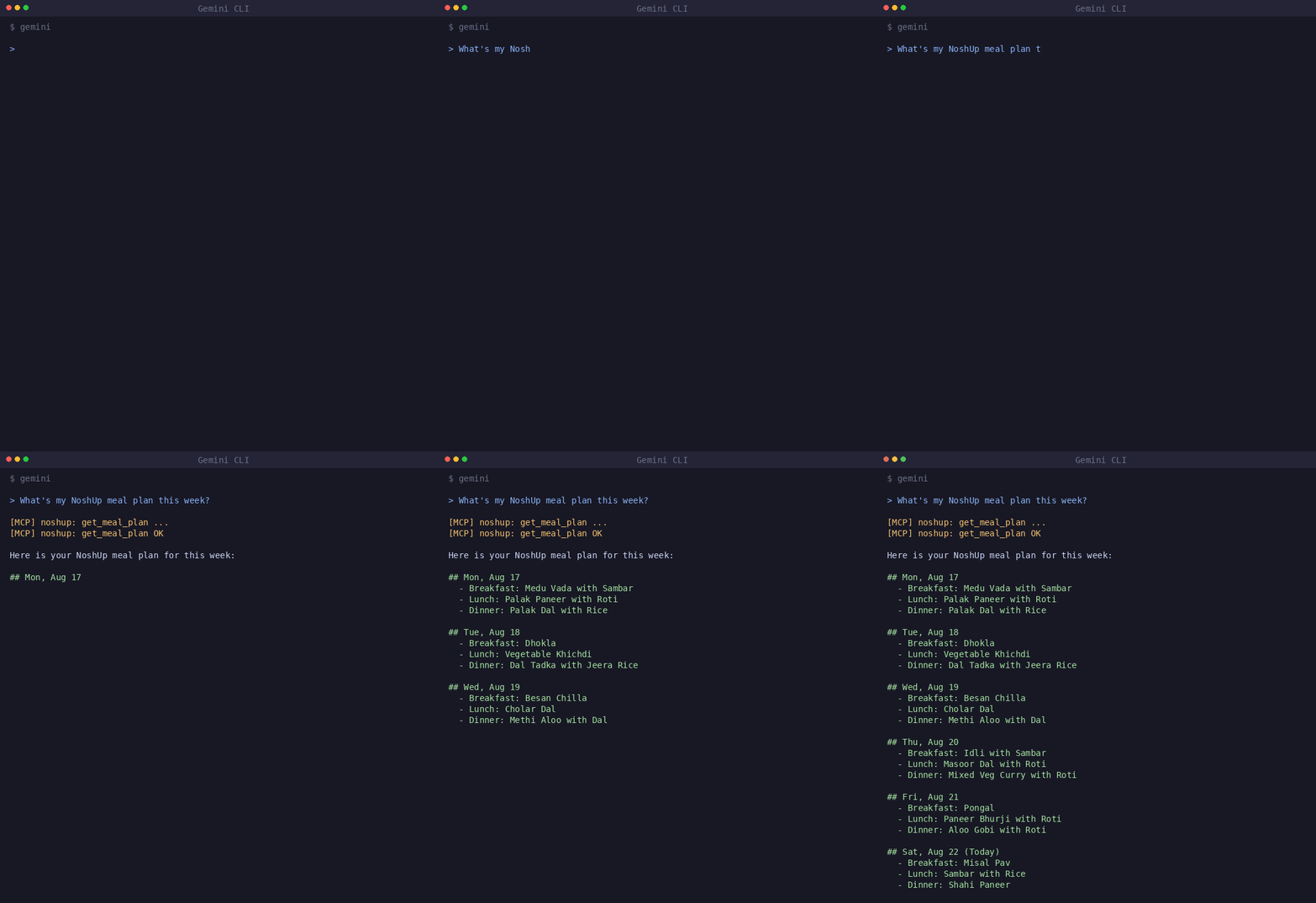
Ask for a weekly meal plan, then adjust it in the conversation. Connect your assistant, or see how it works.
A plan that pays attention to what's on sale
NoshUp matches your grocery list against live Canadian flyers from Walmart, Costco, FreshCo and other major chains. You can see which ingredients have matching offers before shopping. Check this week's deals.
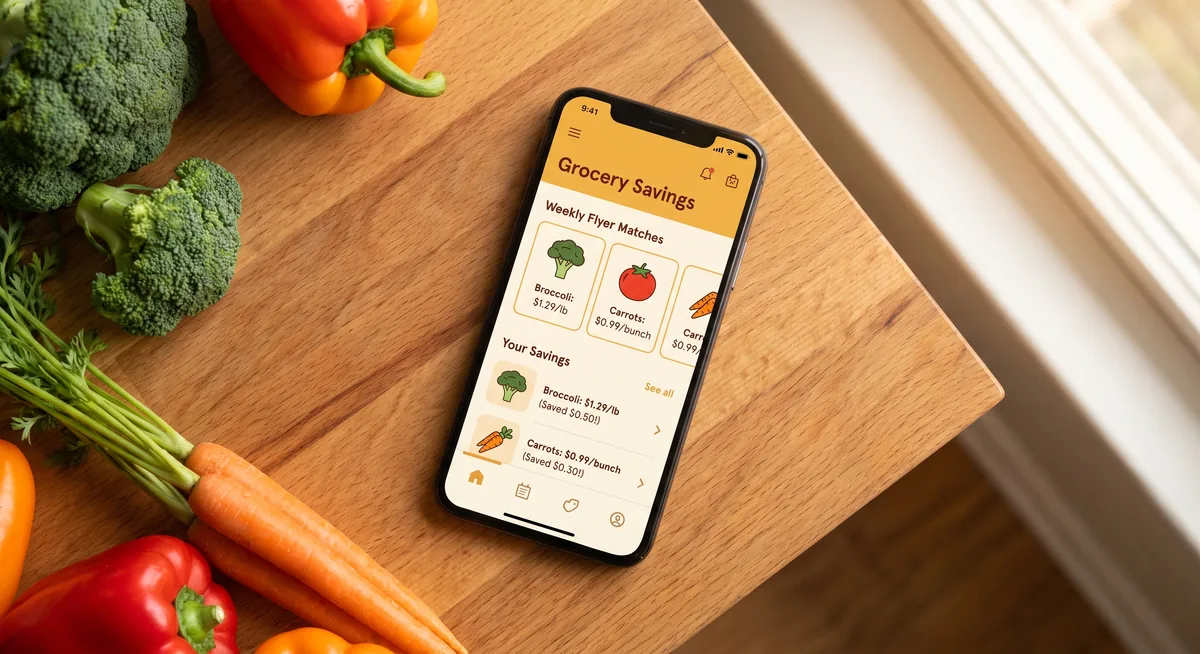
The savings from deal-matched shopping typically exceed the $4.99 subscription on the first big shop of the month.
Know what you actually spent, not what the plan guessed
Scan your receipt after shopping. NoshUp reads it with OCR, tracks recorded spending against your budget, and keeps the original image for 90 days in the Receipt Vault. Open the image to check what you were charged.
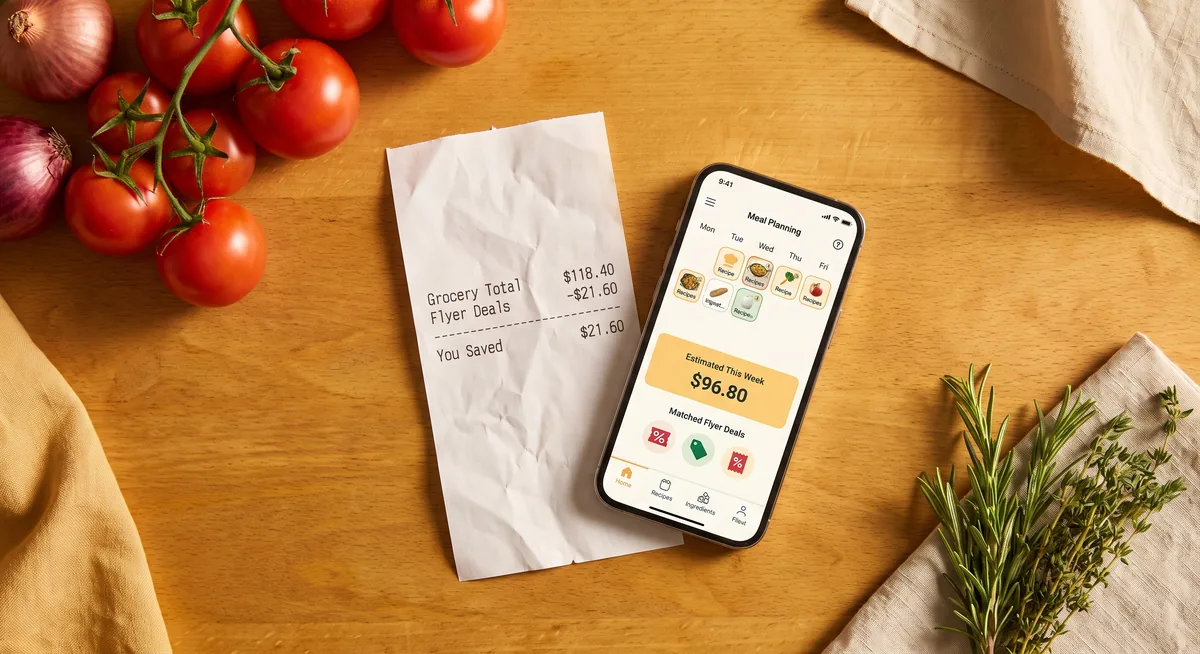
Read more about scanning receipts and staying on budget with NoshUp.
Planning that fits more than one cuisine
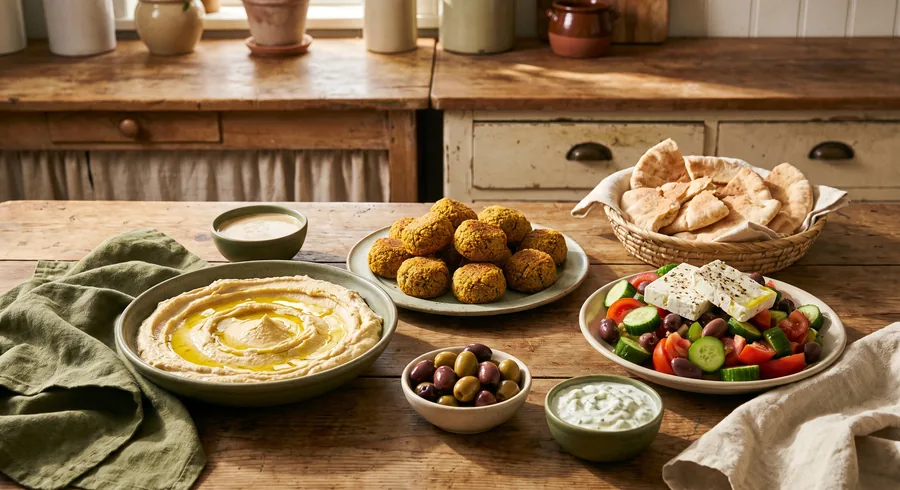
NoshUp offers cuisine settings for North American, Indian, Italian, East Asian, Mexican, Mediterranean and French cooking. Choose a cuisine focus, or Everyday Variety for a mix. Dietary preferences are separate: Vegetarian, Vegan, Gluten-free and Nut allergy.
Where Mealime still had the edge
Your saved favourites are already in Mealime. Bringing them into NoshUp takes manual copying and importing, one recipe at a time. There is no bulk import. NoshUp also has more than 1,300 recipes across eight cuisines, so you can generate a week without moving your whole collection first.
Frequently asked questions
Is NoshUp free? NoshUp has a free trial. The subscription is $4.99/month.
Can I import my Mealime recipes into NoshUp? Yes. Mealime has no export feature, so copy the recipes you want to keep as text, then paste them into NoshUp's recipe import, which parses them into a structured recipe with ingredients, quantities, and steps. Full migration guide.
Does NoshUp work outside Canada? NoshUp's flyer matching covers Canadian grocery chains. The comparison here is for Canadian households.
How long does switching from Mealime take? Allow about ten minutes for setup and your first generated week. Copying and importing saved recipes takes additional time. Follow the migration guide.
What if I want to compare more than one alternative? Compare five Mealime alternatives, including NoshUp, by price, strengths and limitations.
Get started
Save your Mealime recipes before October 21, then start your free trial. Allow about ten minutes for setup and your first generated week. Import favourites separately, and scan your receipt after your next shop.