
From the NoshUp team
How to plan family dinners together with NoshUp
Sep 24, 2026
It is 7pm, everyone is hungry, and you still have to decide what to cook. If you usually answer that question, being asked again can feel like another job.
A meal plan gives you an answer to check before the evening rush. NoshUp generates a weekly plan and one grocery list, then helps you compare that list with Canadian flyer deals and track spending from receipts.
Make the dinner decision before everyone is hungry
When dinner is undecided, you still have to choose a meal, check the ingredients and work out who will cook. Those jobs can feel harder when everyone wants to eat now.
Try making the choices earlier in the week. Look at the plan together and agree who is cooking and shopping. NoshUp can generate the meals and grocery list; dividing the work still needs a conversation.
Recipes matched to your diet, added to your meal plan
NoshUp generates meal plans using the dietary preferences saved for each household member: Vegetarian, Vegan, Gluten-free and Nut allergy. If you want more protein, browse the per-serving gram estimates on recipe cards; high-protein is not a filter. Halal is not a structured filter either. You can also choose recipes yourself and add them to your week. See how dietary preferences work.
To choose a dinner yourself, open Recipes and browse with that day's meal in mind. Choose Add to plan, select the Date and meal, then choose Add to plan again to save it. Use View plan to check where it landed.
If you replace a meal, check the ingredients before shopping. Adding or replacing a recipe this way does not update your grocery list. Review what you already have and add anything missing. The recipe guide walks through the steps.
Once meals are in the plan, check them before the day gets busy. You can discuss dinner while there is still time to make a different choice.
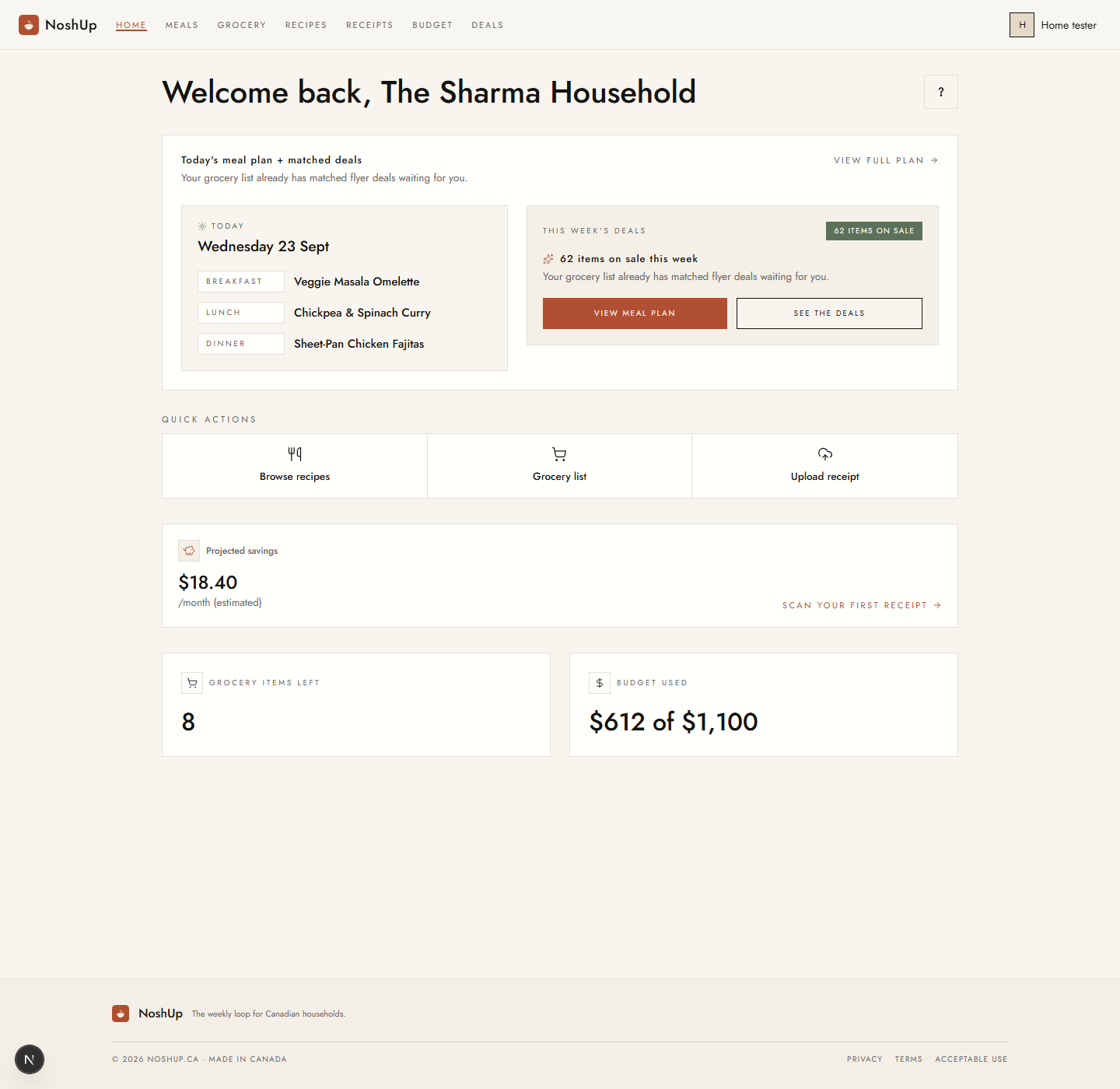
Today shows breakfast, lunch and dinner. In the example above, Wednesday's meals are Veggie Masala Omelette, Chickpea & Spinach Curry and Sheet-Pan Chicken Fajitas. That gives you three concrete meals to discuss, rather than starting with an empty question.
Use the plan as a prompt: who is cooking the fajitas, and who is checking what still needs buying? The app holds the meal choices. You still agree how to divide the work.
Check recorded grocery spending before the next shop
If you disagree about grocery spending, start with what has been recorded. A budget total gives you something specific to discuss before the next shop.
Grocery items left counts unchecked items on your latest list. Budget used shows this month's recorded spending against your household budget. In the screenshot, eight items remain and $612 has been recorded against a $1,100 budget. Those numbers answer different questions: what still needs buying, and how much spending is already recorded.
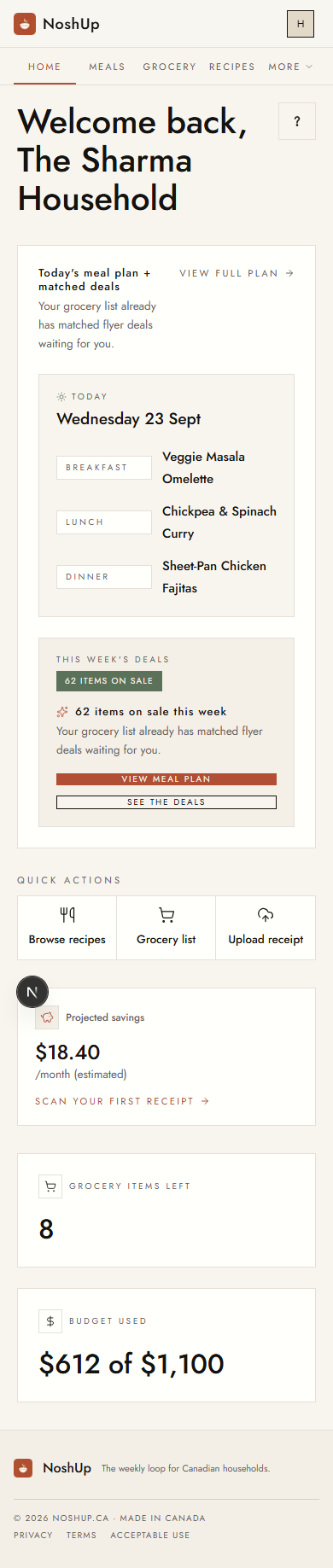
Before your first receipt, Projected savings is an estimate. The screenshot's $18.40/month is not money already saved. After you scan receipts, Recorded savings tracks flyer discounts found on them; its total covers all recorded savings, not just this month. Read the dashboard guide or check your budget.
Decide who will plan, shop and cook
Before the week starts, decide who will review the meals, check the grocery list and do the shopping. Choosing recipes together does not automatically divide those jobs. If one person usually handles all three, use the plan to make the work visible and agree what each person will take on.
The Nosh Loop connects the practical steps: plan the week, get one grocery list, match it to flyer deals and verify spending with receipts. You can return to that routine when the week changes. It gives you a place to start the dinner conversation.
Start your free trial and generate your first week. Review the meals together, then decide who is shopping and cooking.
The NoshUp Team