
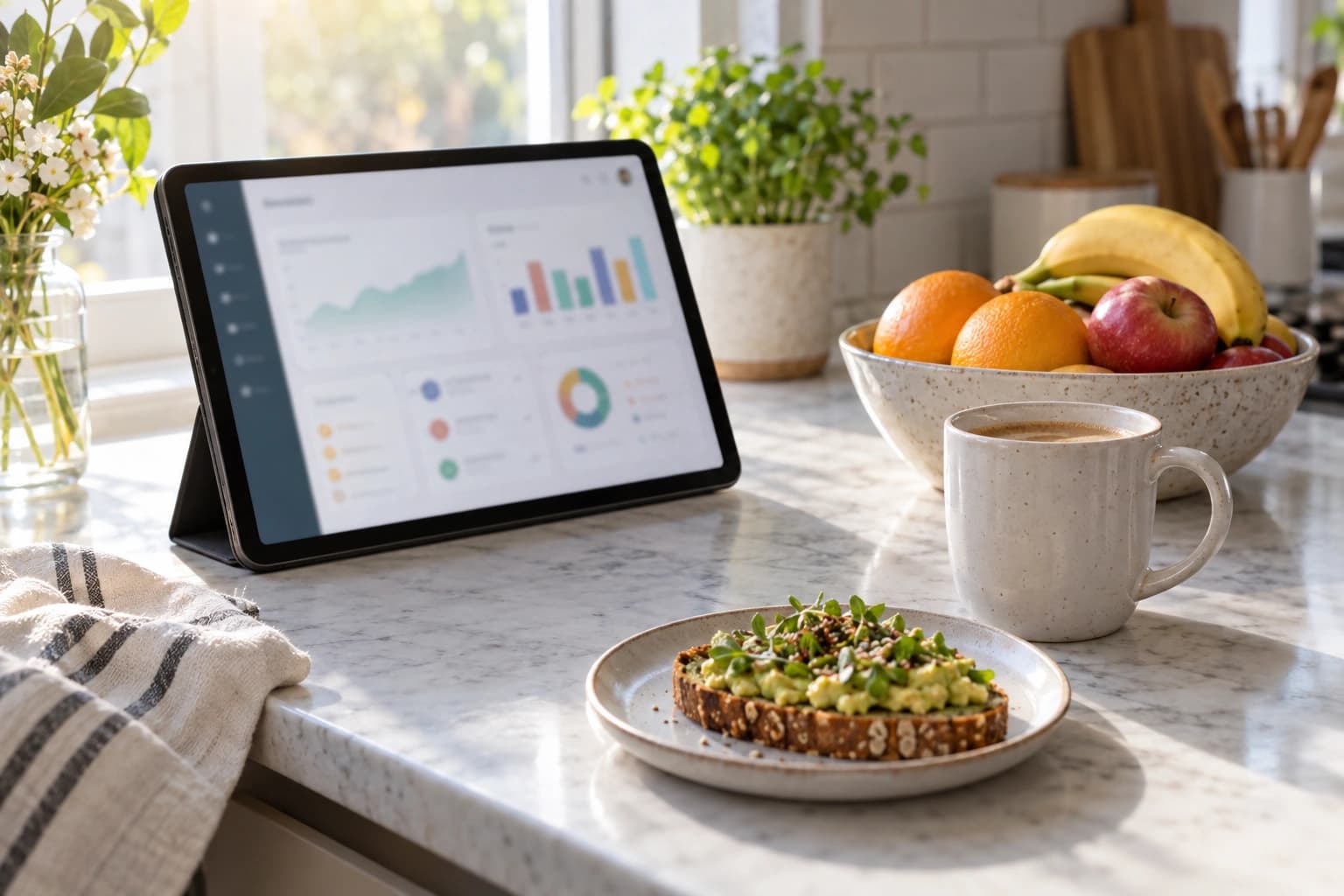
What's for dinner? What do we still need to buy? Open your dashboard for a quick look before the school run or your next grocery trip.
What's next
Start with the card near the top: it helps you review your week's meals or plan a week that's still empty. Your week is ready gives you a meal count and a preview. Choose View my meals to open the plan. If ingredients are on sale, See the deals opens the flyer offers on your grocery list.
Today
Today shows breakfast, lunch, and dinner. A dash means that meal isn't planned. If the day is empty, Generate a plan takes you to meal planning. Choose View full plan to see the week and make changes.
Grocery and budget summaries
Grocery items left counts items you haven't checked off on your latest list. Tap it to see what you still need, then check off items as you shop. A dash means there isn't a list yet.
Budget used shows this month's recorded spending alongside your household budget, if you've set one. Without a budget, you'll see spending alone. This summary appears once you have a budget or spending to show; tap it for a closer look.
Savings
Before your first receipt, Projected savings is an estimate, not money already saved. Scan receipts after shopping to start tracking Recorded savings: flyer discounts found on your receipts. The large number shows your total recorded savings so far, not just this month's savings. The chart shows savings month by month, and the breakdown shows where those savings came from.
Quick actions
Use Quick actions to browse recipes, open your grocery list, or start receipt scanning without hunting through menus. Add a receipt after shopping to keep track of what you've spent.
Getting started
New here? If prompted, set up your household first so NoshUp knows who's eating. Then follow Getting started: create your first plan, review the grocery list, and scan a receipt after shopping.
Start small: check tonight's meal, open your list, and scan your next receipt.