
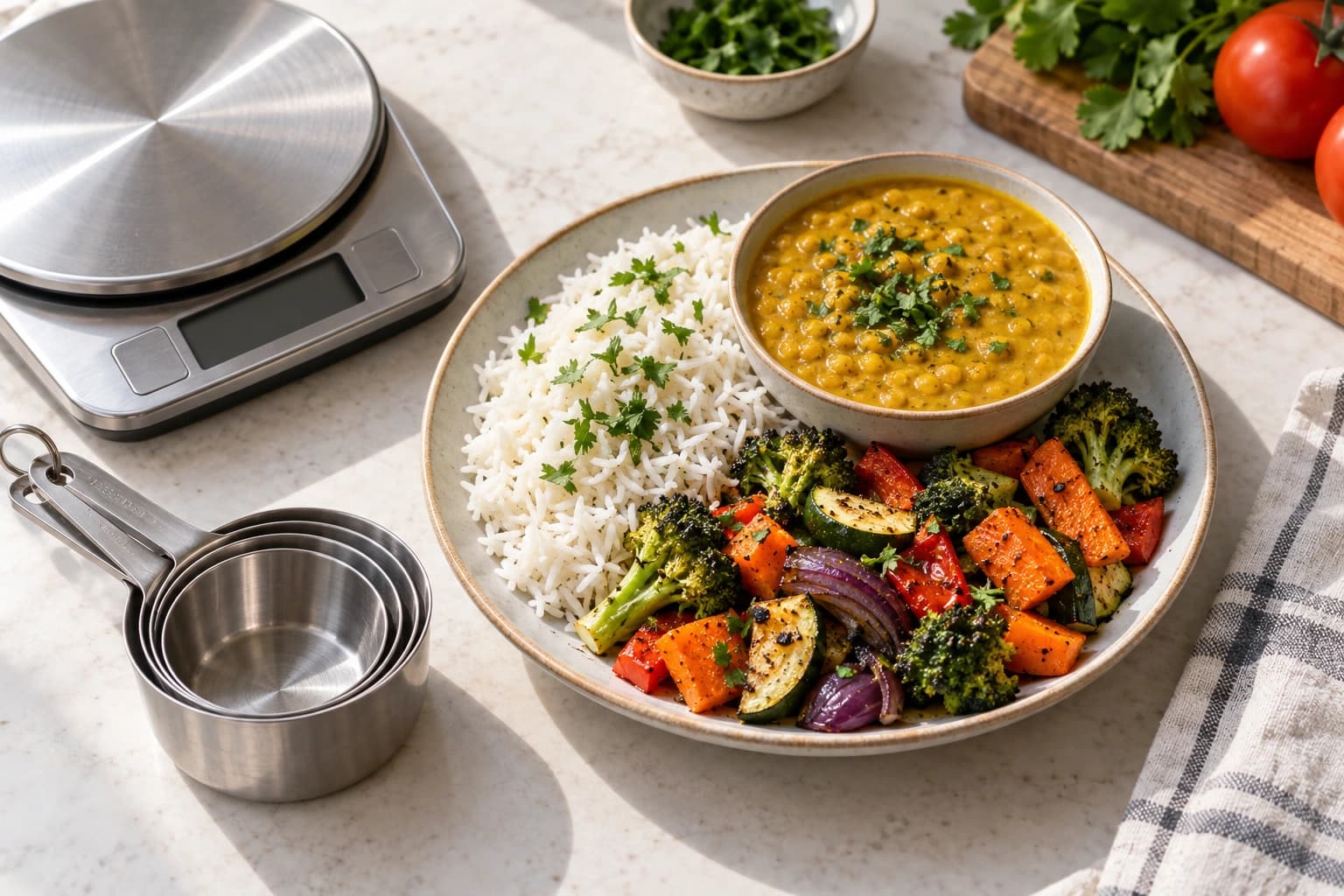
Open a recipe in NoshUp and you will see its calories per serving, with a label telling you whether the number is estimated or reported by you. Here is how we get those numbers, in plain terms.
The short answer
We use a public nutrition database to estimate the calories in each ingredient. Then we add them up and divide by the number of servings. The recipe page labels the result as an estimate.
Where the numbers come from
The calorie values come from USDA FoodData Central, a public database of food nutrition data published by the United States Department of Agriculture. Its values come from laboratory analysis of thousands of foods, and the same database is used by nutrition researchers. We chose it because the information is independent and anyone can check it.
How a recipe gets its number
- Each ingredient is matched to its food in the database. A cup of flour matches the database's entry for flour, a chicken thigh matches the entry for chicken thigh.
- The recipe's amount is converted to grams, using the database's own published weights. One medium onion has a documented gram weight, so does one tablespoon of oil.
- The calories for each ingredient are added up, and the total is divided by the number of servings the recipe makes.
About 99% of the recipe library carries a number, covering 1,385 of 1,393 recipes as of September 2026.
What happens when we cannot find a match
Not every ingredient has a clear match in the database. When that happens we do two things, and only two things.
- If there is a close match, we use it. For example, we can use a similar spice blend. Small amounts of spices make little difference to the total calories.
- If no honest stand-in exists, the recipe simply shows no number. Nine recipes currently display no calorie value at all.
A missing number is deliberate: we would rather show you nothing than a made-up number.
Why a fried dish can read high
The estimate currently counts all the frying oil listed in a recipe. But when you deep-fry food, you throw most of that oil away. That can make the calorie number read high.
The same issue can affect recipes with bones or other stock ingredients that you simmer and then strain out. The estimate can count ingredients that do not end up in your meal.
We plan to improve how these estimates handle ingredients you discard. For now, treat the number for a deep-fried dish as a high estimate.
Your own numbers come first
If you add a meal with your own calorie value, NoshUp labels it User-reported, and our estimate never replaces it. The recipe page always shows which kind of number you are looking at: Estimated or User-reported. If you have the published value from the recipe's original source, entering that value is the most accurate option.
Estimates, not medical advice
These numbers exist to help you plan a week of meals, not to make health decisions for you. Calorie estimates are approximations: the exact apple you use is bigger or smaller than the database's apple. If you manage a medical condition that depends on precise nutrition numbers, work with a qualified professional rather than any app's estimates, ours included.
Put the numbers to work
The point of all this is weekly planning. Open Tools, then Constraints, and set a calorie limit per serving for this week. Recipes that fit show an "under X kcal per serving" badge as you plan. If a recipe has no calorie number, we tell you instead of marking it as within your limit. Set the limit, plan the week, and adjust next week based on what actually happened.
Calorie numbers are one more input to the Nosh Loop: record what you buy, plan what you eat, and see the whole week before you shop. If a calorie number looks wrong, let us know so we can check it.